

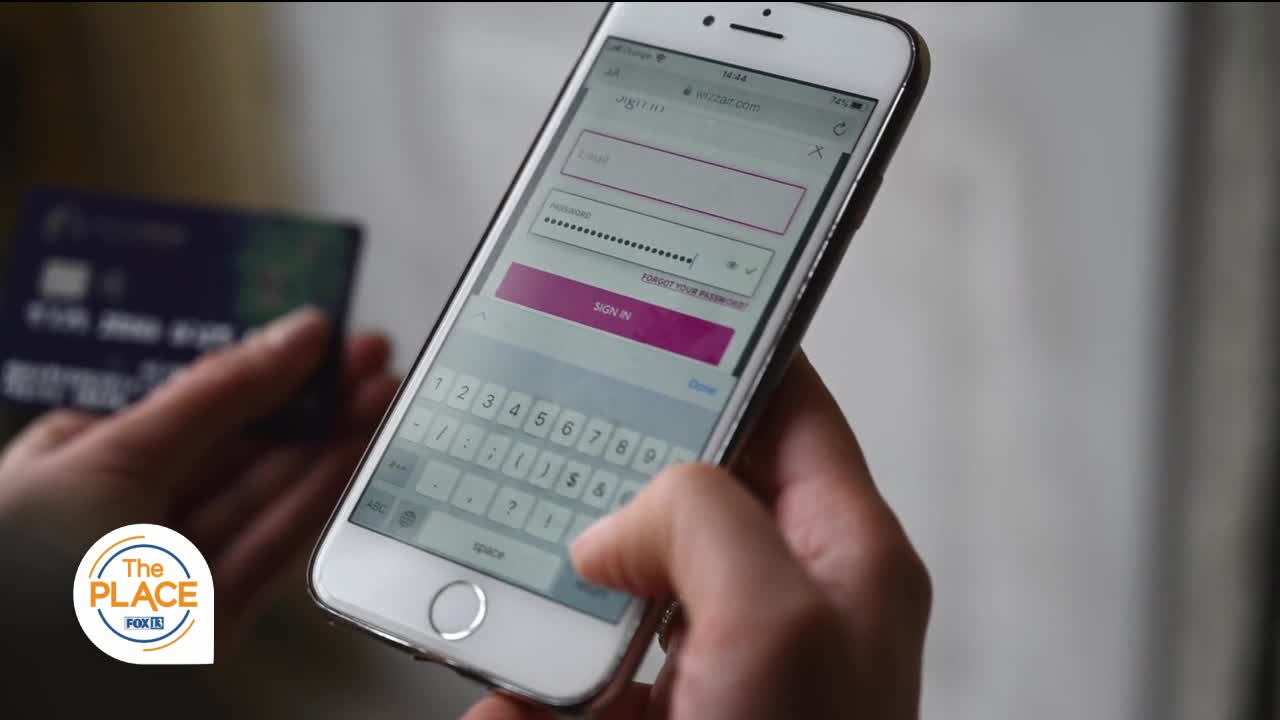

Change Your Password Day is celebrated annually on February 1, so we invited IT Expert Sarah Kimmel to give us some useful tips.
First, she says "Length is Strength". The longer the password the harder it is to crack regardless of special characters.
Next, use a different password for every online account. Passwords can get compromised to unrelated accounts and now that username and password combo is out on the dark web for purchase they can try those credentials in thousands of sites at a time. Check haveibeenpwned.com you can use a password manager like Dashlane to keep them all.
Keep your email password the MOST secure. If they can get into your email they can reset any other account with forgot password.
Sarah also recommends using MFA or 2FA where available. Something you know and something you have (usually your phone). Sarah says, "I prefer an authenticator app instead of text confirmations."
Finally create a password that is 4 unrelated words that mean something to you. Use an algorithm to change the password for different sites.
Sarah also give us tips on what NOT to do.
Don't use 1 or ! at the end... everyone does that
Don't use the same password on more than one online account.
Don't announce your password reset questions on social media (online quizzes asking your high school name, birth city, etc.).
You can find more tips or contact Sarah by search FamilyTech on any social media platform.
